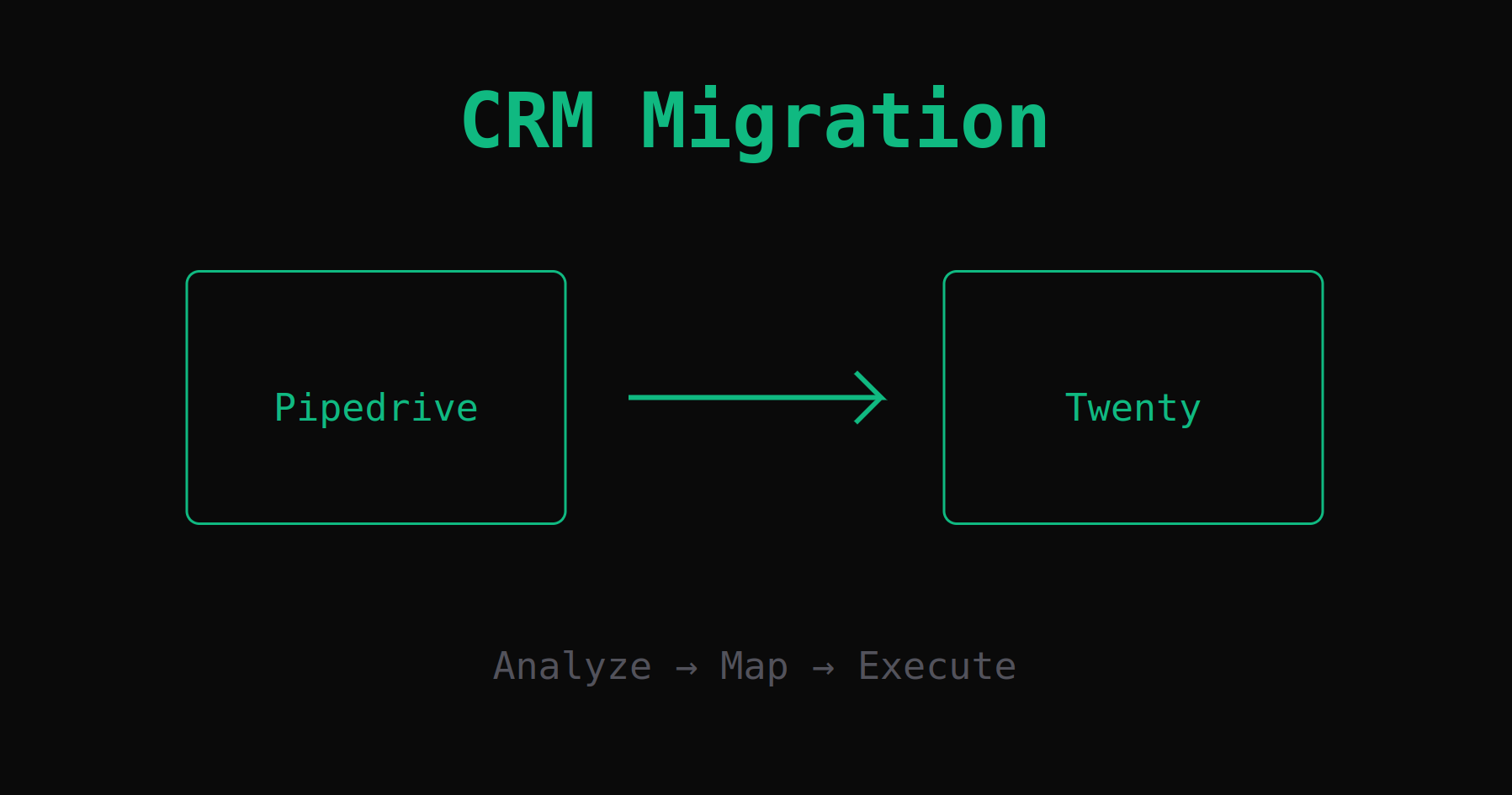
The End of Painful CRM Migrations
Watch SDRbot migrate an entire organization from Pipedrive to Twenty CRM autonomously. No CSV hell, no expensive consultants.
The "CSV Hell" of CRM Migrations
Ask any RevOps professional about their last CRM migration, and you'll see them shudder. Moving data from one system to another usually involves:
- Exporting messy CSVs.
- Spending weeks normalizing columns (does "industry" map to "vertical"?).
- Fighting with import errors.
- Losing critical relationship data (notes, activities, email history).
It's expensive, risky, and often requires hiring outside consultants.
A New Approach: Autonomous Migration
With our latest update, we're introducing a capability that changes this dynamic entirely. Because SDRbot understands the schema of your CRMs (not just the data), it can act as an intelligent bridge between them.
We recorded a demo showing a live migration from Pipedrive to Twenty, an open-source CRM alternative.
How It Works: The 4-Phase Process
SDRbot doesn't just "copy-paste" data. It acts like a senior data engineer, following a rigorous four-phase process:
1. Deep Analysis & Planning
First, the agent scans the source CRM (e.g., Pipedrive) to understand every field, data type, and relationship. It then cross-references this with the target CRM (e.g., Twenty). It identifies gaps—like a "Lead Score" field that exists in Pipedrive but not in Twenty—and presents a comprehensive Migration Plan for your review.
2. Target Adaptation
Once you approve the plan, SDRbot uses its new Admin Tools to adapt the target system. It will automatically create missing custom objects, add fields, and configure select options to ensure the destination is ready to receive data without loss.
3. Code Generation
Here is where the magic happens. Instead of using slow, expensive LLM calls to migrate each record one by one, SDRbot writes a custom, multi-stage migration engine in Python that handles all the complexities:
- Field Mapping: transforming "Industry" (Text) to "Vertical" (Select).
- Data Transformation: normalizing phone numbers and dates.
- Relationship Preservation: ensuring Deals stay linked to their Contacts and Companies.
4. Execution
The agent executes the migration as a background process while monitoring logs for errors to ensure everything runs smoothly. Because it runs as pure code, it remains highly performant without consuming any additional tokens.
Universal Compatibility
While this demo highlights Pipedrive and Twenty, this approach is theoretically universal. The underlying Migration Skill built into SDRbot abstracts the "Source" and "Destination."
Whether you are moving from SalesForce to HubSpot, or consolidating three different CRMs into one, the agentic workflow remains the same: Analyze -> Map -> Execute.
This feature is available now in v0.2.1 using the new Privileged Mode.