Mastering the Skills System: Customize Your Agent
Learn how to teach SDRbot new tricks using our three-tier Skills System. Override built-in behaviors or create entirely new workflows.
Teaching the Bot to Fish
SDRbot comes out of the box with powerful integrations for Salesforce, HubSpot, and email. But every sales team is unique. You have specific qualification frameworks (MEDDIC, BANT), custom objection handling scripts, and unique internal processes.
That's why we built the Skills System—a way for you to define reusable "recipes" that the agent can execute.
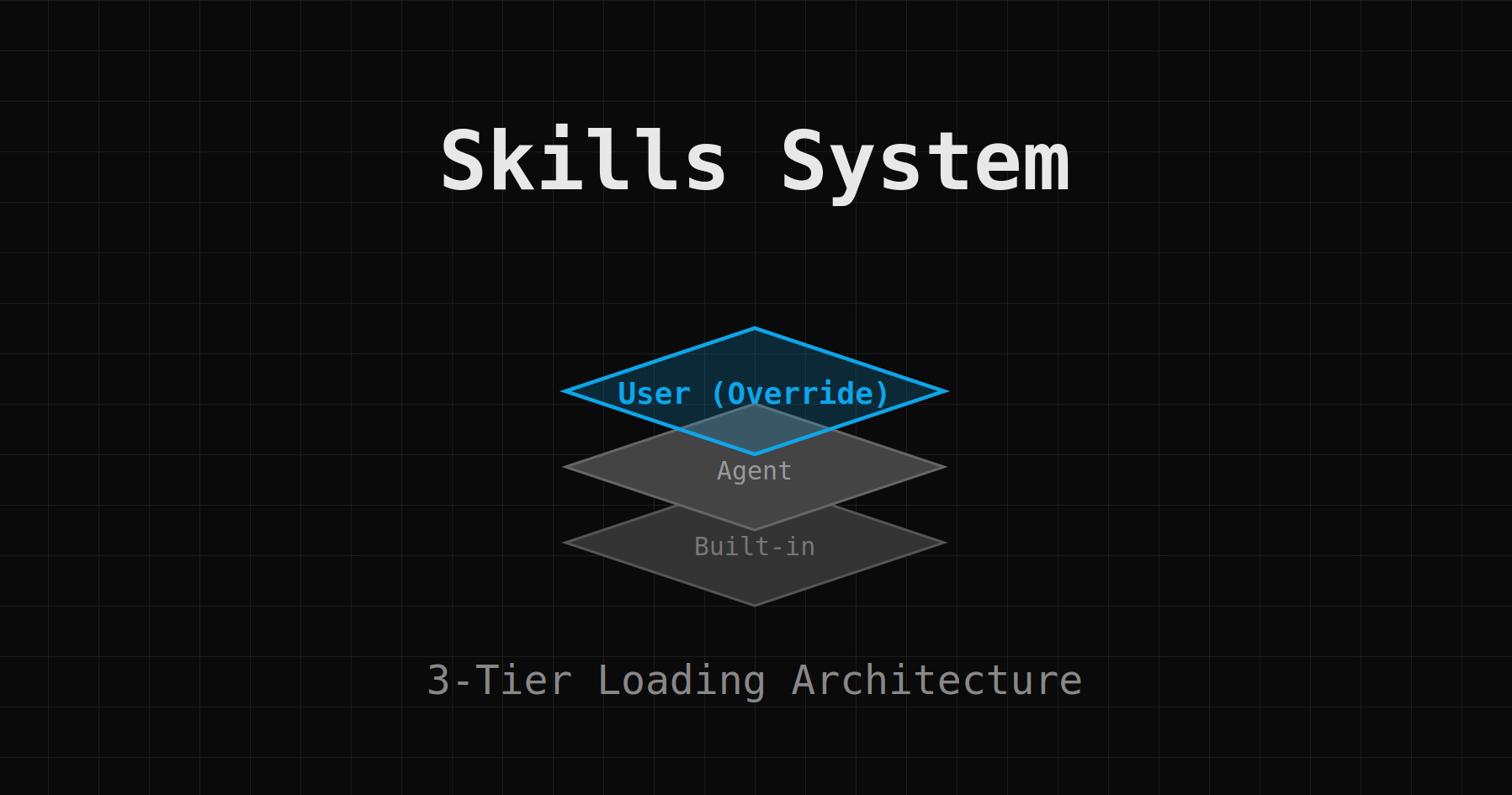
The Three-Tier Architecture
To give you maximum flexibility without breaking core functionality, we designed a three-tier loading system. When SDRbot looks for a skill, it searches in this specific order:
- User Skills (
./skills/): Your local custom skills. These have the highest priority. - Agent Skills (
./agents/{agent_name}/skills/): Skills specific to the current agent configuration. - Built-in Skills (
sdrbot_cli/skills/builtin/): The core skills we ship with the bot (e.g.,crm-migration).
This hierarchy means you can override any built-in skill just by creating a file with the same name in your local ./skills/ folder.
Anatomy of a Skill
A skill is simply a Markdown file that combines natural language instructions with tool definitions. It tells the agent how to solve a specific problem.
Here is a simple example: skills/research-prospect.md
# Skill: Research Prospect

## Goal
Gather comprehensive intelligence on a prospect before outreach.

## Steps
1.  **Check CRM**: Search Salesforce/HubSpot for existing history.
2.  **Web Search**: Find recent news about the company.
3.  **LinkedIn**: Look for the prospect's recent posts (if URL provided).
4.  **Synthesis**: Create a bulleted summary of "Triggers" for outreach.

## Tools
- crm_search_object
- google_web_search
Once saved, you can simply tell the agent: "Use the research-prospect skill on Ara at nForce.ai"
Managing Skills in the UI
We've added a dedicated Skills Manager to the TUI.
- View Built-ins: Browse the core library to see how we implement complex tasks.
- "Save As" Override: Right-click a built-in skill and "Save As" to your user folder. Modify it to tweak our logic to your needs.
- Hot-Reload: Edit a skill file, and the agent picks up the changes instantly—no restart required.
Why Use Skills?
- Consistency: Ensure every SDR follows the exact same qualification process.
- Speed: Turn a 10-step manual workflow into a single command.
- Evolution: As your sales playbook changes, update the skill file, and your AI agent instantly complies with the new process.
Start building your library today by checking out the skills/ directory in your project root.